By: Brittany Harris

Those intrusive online advertisements can sometimes be more than just annoying. You know, the ones you may find while using your smart device by searching the web, looking through email, and even receiving unusual text messages. Although it is true that some ADS may be harmless, there are countless pop-ups that are intended to scam its users. Many trusting websites will be used as unwilling distributors of malware to put viruses on users’ computers.
“Malware – software that is specifically designed to disrupt, damage, or gain unauthorized access to a computer system.”
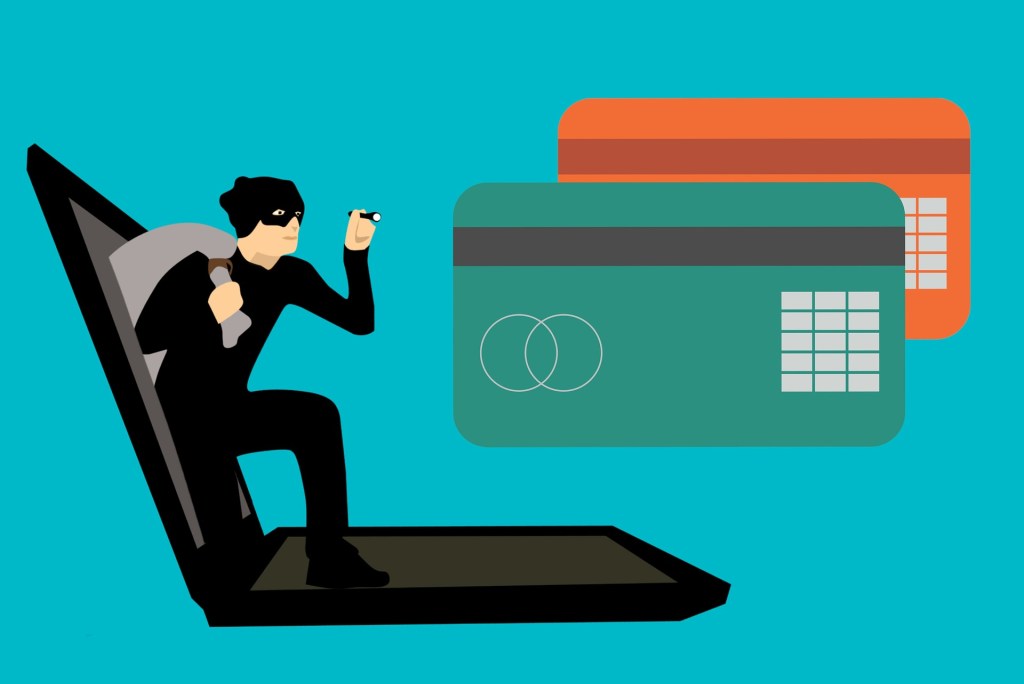
One of the most common ways to deal with this problem is to purchase an antivirus computer program. This way, the program will scan every site you visit to detect and remove malicious software. However, these programs rarely detect 100% of viruses. Cybercrime is at an all time high as our technology evolves and becomes more user friendly (4.54 billion people use the internet). “Back in 2015, the global cost of malware was an already staggering $500 billion. In just a short time, however, the economic toll of cybercrime has grown fourfold, to $2 trillion USD.” There is a current trajectory in place that the total cost of malware will reach $6 trillion by the year 2021.
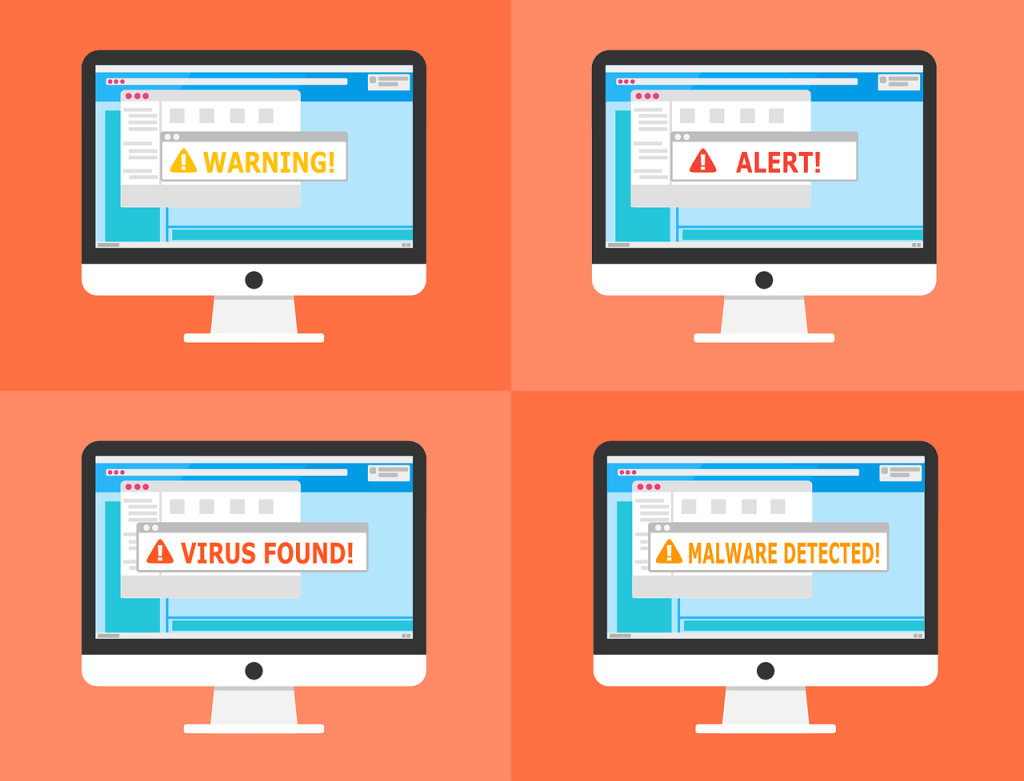
Currently, if website ADS were not enough, your phone is now a major target in regards to suspicious links, emails, and texts. Cell phone hacking is when a third party can gain access to your device without the user knowing. This happens through sim swapping, phishing, and bluetooth hacking. In the past year, there was a common phishing attack sent to users via text that their FedEx package was delivered. Once users clicked the link, there was a credit card number request to ensure to individuals’ identity. The lesson here is there are some ADS and links that seem extremely reliable. Thankfully, there are multiple ways to protect and educate yourself about these attacks.
How to prevent malware attacks:
Remember, malware is designed to infiltrate and damage your computer in terms of viruses, spyware, and much more. Malware can be put on to your computer by clicking on ADS and suspicious links. To learn more about protecting yourself, click on this link: https://www.wired.com/story/how-to-avoid-worst-online-scams/
How to avoid phishing attacks:
Remember, scammers will use emails and text messages to try and trick you into giving away personal information such as passwords, account numbers, social security numbers, and financial information. Use this great resource to learn more about avoiding phishing scams: https://www.phishing.org/10-ways-to-avoid-phishing-scams
Works Cited:
Gamer, N. (2016, February 26). Ads on websites are dangerous to more than your sanity. Retrieved March 30, 2020, from https://blog.trendmicro.com/ads-on-websites-are-dangerous-to-more-than-your-sanity/
Sanders, A. (2020, January 30). 15 (CRAZY) Malware and Virus Statistics, Trends & Facts 2020. Retrieved March 30, 2020, from https://www.safetydetectives.com/blog/malware-statistics/
 Todd, Bella, Brittany